You can trigger a feedback survey automatically when a support case is closed, capturing satisfaction data instantly and feeding it back to improve service processes.

Home » How We Do It » Dynamics 365 » Customer Voice
Capture real-time feedback, understand customer sentiment and act on insights faster with Microsoft Dynamics 365 Customer Voice. Discover how FormusPro helps you make every voice count.
D365 Customer Voice is Microsoft’s powerful customer feedback management tool, allowing you to gather, analyse and act on customer insights in real-time.
At FormusPro, we help you embed Customer Voice across your D365 environment to improve customer experience, drive smarter decisions and strengthen relationships.

D365 Customer Voice makes it easy to gather feedback at key points in your customer journey.
Whether it’s post-sale, post-support or post-service, you can automatically trigger surveys and measure sentiment in real-time.
With our help, you’ll be able turn that feedback into meaningful actions.
Customer Voice connects natively with other Microsoft applications like Dynamics 365 Sales, Customer Service or Power Automate.
We ensure the setup and integration is seamless, so feedback is visible exactly where your teams need it, without switching systems.
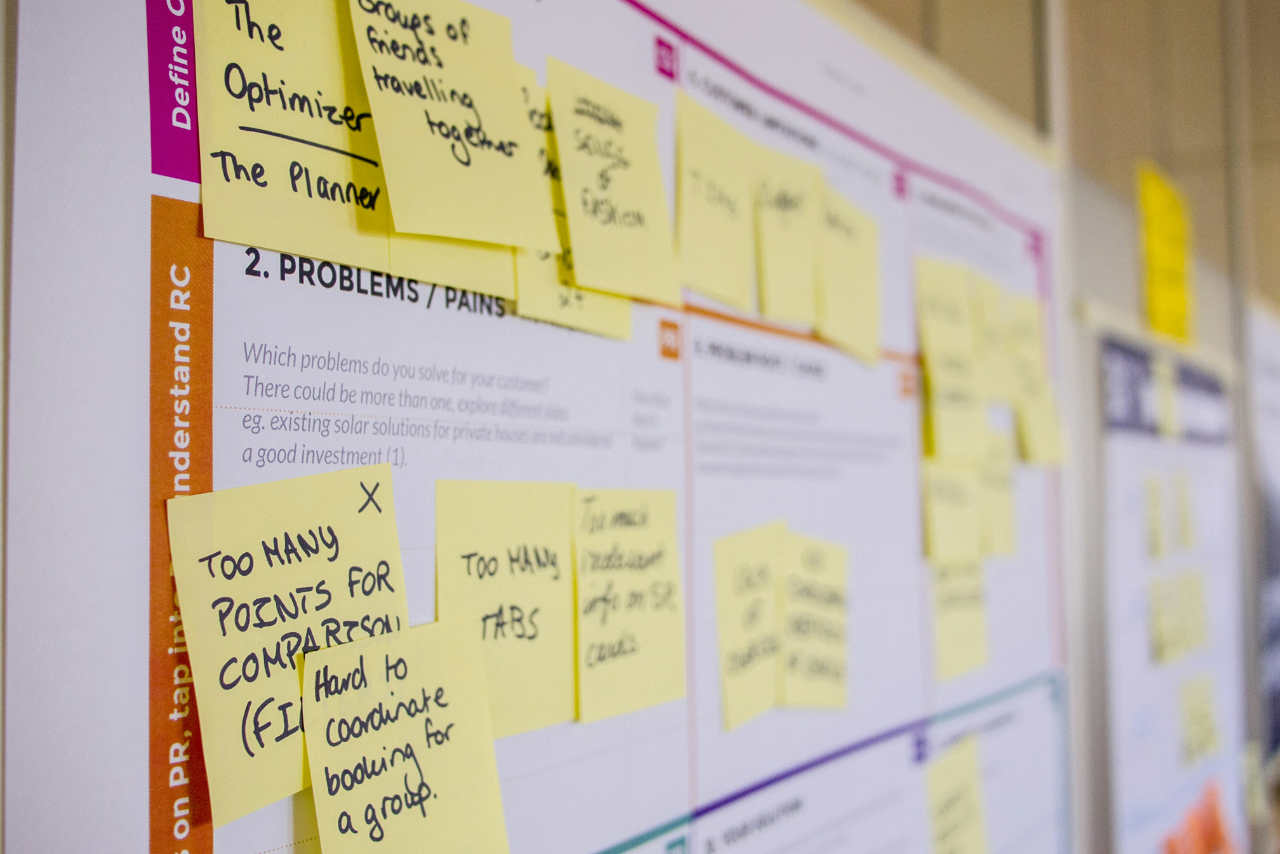

By capturing what your customers really think, you can identify patterns, close feedback loops faster and personalise experiences.
From Net Promoter Scores (NPS) to customer satisfaction (CSAT), FormusPro will help you set up the metrics that matter most.
Built on Microsoft’s secure cloud infrastructure, Customer Voice ensures that data collection is GDPR-compliant and scalable for any business.
Whether you need basic surveys or complex customer experience programs, We’ll configure a solution to fit.

Here’s how we implement and support Dynamics 365 Customer Voice to help you deliver better customer experiences:
We’ll start by identifying where feedback adds the most value in your customer journey, be it onboarding, support or renewals. We help define the right use cases and metrics from day one.
Our team works with you to design intuitive, engaging surveys using Microsoft’s templates or fully custom layouts, ensuring high response rates and meaningful responses.
We embed Customer Voice into your existing Dynamics 365 apps and processes, so survey data flows directly into Sales, Customer Service or Customer Insights Journeys, ready for action.
Using Power Automate, we build smart workflows that send surveys at exactly the right time, after a support ticket closes, a purchase is made, or a project ends.
With built-in dashboards and Power BI, we help you analyse responses and identify trends. Continuous improvement is the goal… and we’ll support you every step of the way.
How does Customer Voice connect with customer service case resolution?
You can trigger a feedback survey automatically when a support case is closed, capturing satisfaction data instantly and feeding it back to improve service processes.
Can Customer Voice measure sentiment across different languages?
Yes. With multilingual support and AI-based sentiment analysis, you can collect feedback globally and still get consistent insights into customer sentiment.
How can Customer Voice be embedded into a mobile app flow?
Customer Voice surveys can be linked or embedded into apps so feedback is collected seamlessly as part of the mobile experience, rather than through separate channels.
Can Customer Voice help reduce volunteer churn in charities?
Yes. By running targeted surveys with volunteers after events or projects, you can capture concerns early, address them and improve volunteer satisfaction and retention.
What is the ROI of using Customer Voice?
ROI comes from better retention, more satisfied customers, fewer churns, catching issues before they escalate, improving products/services and showing stakeholders you’re responsive.
How do we get started with Customer Voice?
The first step is a discovery session: what feedback do you want to gather, when in the journey, what systems you have already, what metrics matter. Then we map surveys, triggers, workflows and dashboards, so feedback becomes part of how you run things.
What role does Continuous Improvement play in Customer Voice?
Continuous Improvement means reviewing survey responses, refining questions, tweaking workflows, improving trigger-points, and keeping the feedback system alive, relevant and tuned to what your customers/stakeholders need.
What sectors benefit most from Customer Voice?
Many sectors see value, especially those where feedback matters: NonProfit, Customer-facing services, Membership organisations, Public Sector, Healthcare etc, but really feedback is useful in almost every context.
How do alerts and feedback loops work?
We can configure alerts (email, teams, dashboards) when negative feedback comes in or when trends appear. Then you close the loop by responding back, adjusting service or process, so issues don’t linger.
Can we use Customer Voice for internal feedback (staff, volunteers) as well as customers?
Yes. Although primarily focused on customer feedback, feedback tools can measure satisfaction internally (staff or volunteers), helping improve internal processes, morale and retention.
How does Customer Voice boost engagement and loyalty?
By giving people opportunities to share their views, then showing you’ve listened and acted, you build trust. Metrics like NPS or CSAT can improve, churn can reduce, and your relationship with customers/stakeholders strengthens.
How long does it take to set up Customer Voice?
Depending on how many surveys, triggers or integrations you need, you can often launch simple feedback-loops quickly (in a few days to a couple of weeks). More complex programmes take more planning.
Is Customer Voice scalable for small and large organisations?
Yes. Whether you’re a small team wanting occasional feedback or a larger organisation running continuous feedback programmes, Customer Voice scales both technically and in terms of process.
What about compliance and privacy when using Customer Voice?
The setup includes GDPR-compliant data collection, secure cloud infrastructure, consent tracking, and role-based access so only the right people see feedback data.
How do we manage feedback and act on insights?
We set up workflows so certain feedback triggers alerts, follow-ups or tasks. Dashboards help you see trends, prioritise pain points and drive improvements based on what customers actually say.
Does Customer Voice include AI features?
Absolutely. It supports sentiment analysis, automatic categorisation, feedback trend detection, and with Copilot, you can even generate survey drafts or suggestion-prompts based on what feedback tends to come up.
Can Customer Voice integrate with other Microsoft tools?
Yes. It can connect natively with Dynamics 365 Sales, Customer Service, Power Automate workflows, and feed data into dashboards (e.g. Power BI) so feedback is visible in the tools your team uses every day.
How do you design a survey that gets responses?
We help you build intuitive and engaging surveys, using Microsoft templates or custom layouts, with clear questions, minimal friction and good timing so people are more likely to reply.
What kinds of metrics can we track with Customer Voice?
You can track things like Net Promoter Score (NPS), Customer Satisfaction (CSAT), sentiment analysis, feedback response times, and open-ended feedback which surfaces qualitative insights.
How can Customer Voice be used at key moments in the customer journey?
You can trigger feedback surveys after specific events: support tickets closing, after a purchase, or after service delivery. This helps you catch issues early, celebrate successes and improve continuously.
Why should we use Customer Voice rather than generic survey tools?
Because Customer Voice integrates deeply with the Microsoft Tech Stack, including Sales, Customer Service and Power Automate. That means feedback connects directly with your systems, you avoid disconnected data, and you get insights where your teams already work.
What is D365 Customer Voice?
Customer Voice is Microsoft’s feedback-management tool that lets organisations gather, analyse and act on customer feedback in real time. With FormusPro’s help, you embed surveys into your customer journey so insights lead to action.
The Little Princess Trust (LPT) identified the need for digital transformation, which would take the form of a system encompassing almost all areas of the organisation. The system needed to be intuitive, integrate, consolidate and create a sustainable and extensible solution for use well into the future.
offices globally
over 12 years
To find out about how we create systems around the Microsoft D365 platform or to ask us about the specific industry focused digital management systems we create, get in touch.
Tel: 01432 345191
A quick call might be all you need, but just in case it isn’t, we’re happy to go a step further by popping by to see you.
We travel all over the UK.
Just ask.