Azure is Microsoft’s cloud platform offering over 200 products and services for building, running and managing applications across data centres, on-premises and at the edge. It helps you scale, run securely and leverage advanced cloud tools.

Unify your systems with Azure Integration Services. FormusPro helps organisations connect apps, data and processes to streamline operations and improve agility.
Azure Integration Services (AIS) provides a unified toolkit for connecting on-premises and cloud applications, automating workflows and enabling real-time data exchange.
FormusPro designs, builds and supports integration solutions that improve efficiency, reduce manual work and ensure your systems work as one.

Many organisations still run a mix of legacy systems, cloud apps and bespoke tools… which often don’t talk to each other.
Azure Integration Services bridges the gap, connecting systems so that data flows seamlessly across your business.
FormusPro ensures those integrations are reliable, secure, and aligned with your operational goals.
Manual processes slow teams down and introduce risk.
Using Azure Logic Apps and Event Grid, we automate workflows so that repetitive tasks happen automatically and instantly, whether that’s syncing CRM and ERP data, processing incoming orders, or triggering alerts based on system events.

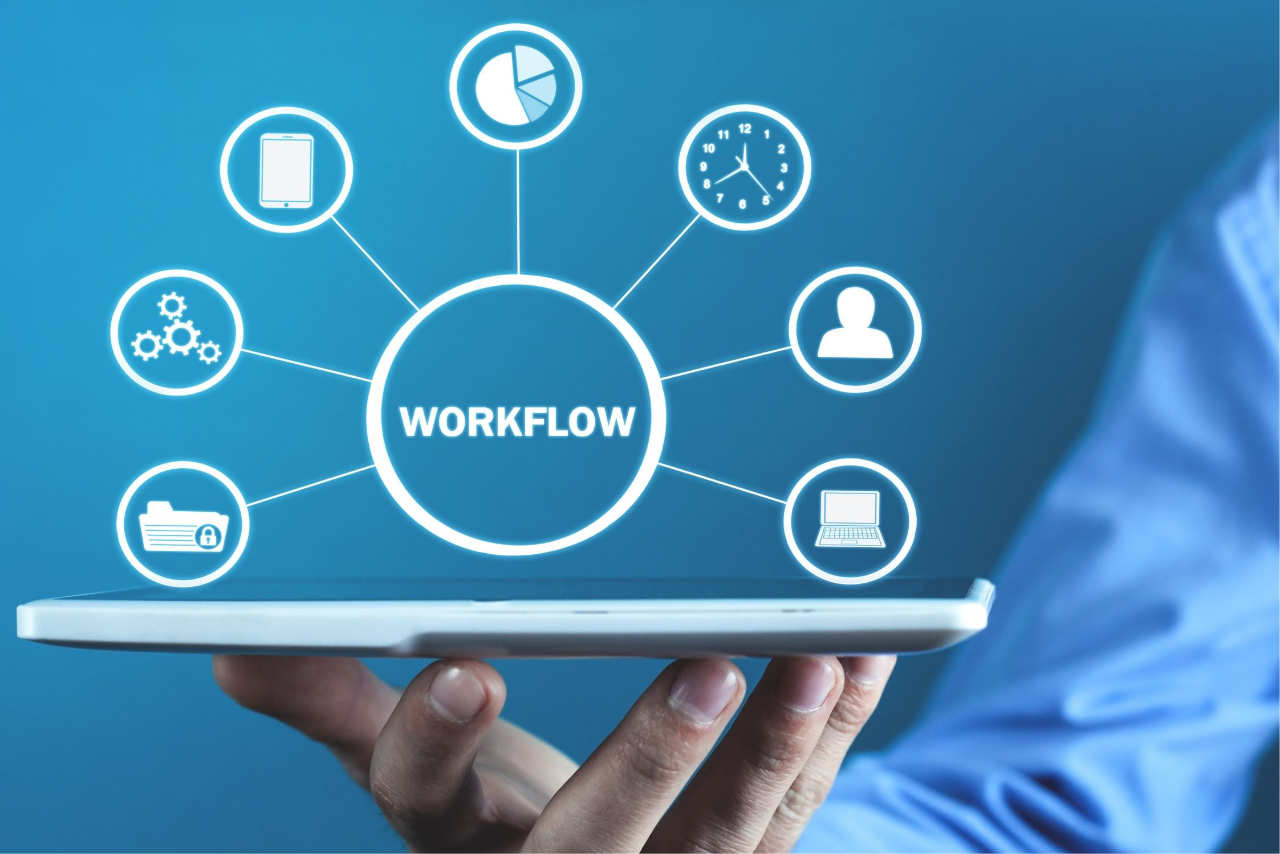
AIS supports a wide range of protocols, APIs, and connectors… from enterprise-grade EDI to REST, SOAP, and message queues.
We design integration architectures that handle your current needs while leaving room for future growth, without locking you into rigid structures.
When data flows freely between systems, you can make better decisions, faster.
We help you design integrations that feed analytics platforms, reporting dashboards and machine learning models… turning raw information into actionable intelligence.

Azure Integration Services is a collection of cloud-based tools designed to connect systems, automate workflows, and enable real-time communication between applications.
Here’s how we use it to transform your operations:
Build automated workflows that connect to hundreds of apps and services, from Microsoft 365 and Dynamics to third-party SaaS and on-premises systems.
Publish, secure and monitor APIs for internal or external use. Ensure consistent governance and version control across all your integrations.
Enterprise-grade messaging for reliable communication between distributed systems. Supports asynchronous workflows and decoupled architectures.
Event-driven integration that routes and reacts to changes in real time. Ideal for IoT, order processing and system monitoring.
Securely connect Azure services to your existing on-prem data sources without exposing them to the public internet.
Azure what is it?
Azure is Microsoft’s cloud platform offering over 200 products and services for building, running and managing applications across data centres, on-premises and at the edge. It helps you scale, run securely and leverage advanced cloud tools.
How can Azure support IoT (Internet of Things) projects in our organisation?
Azure provides IoT Hub, edge computing, device management, streaming aalytics etc., enabling you to connect devices, capture data and act on it
(e.g. predictive maintenance, remote monitoring).
What are the business outcomes we might expect using Azure?
Outcomes include improved performance, reduced downtime, greater agility, ability to experiment and innovate faster, more robust disaster recovery and global reach.
Can Azure help organisations migrate from on-premise infrastructure?
Yes. Azure provides tools, migration paths, hybrid tools and best practices for moving servers, databases or applications to the cloud, with minimal downtime and disruption.
What AI and advanced capabilities does Azure provide?
Azure includes AI & ML services, cognitive services (language, vision, speech), anomaly detection, bot services, and supports Copilot / generative AI scenarios, plus frameworks for big data and analytics.
What happens if we need to scale or change resources in Azure?
Azure lets you scale up or down compute, storage, network resources dynamically. It supports auto-scaling, event-driven architectures and gives you monitoring dashboards to adjust resources depending on demand.
How quickly can we get started with Azure?
You can start small — migrate one workload or host a small app — and scale up. Many organisations see value early (improved performance, reliability, reduced infrastructure burden) just by shifting parts of their system to Azure.
What kind of applications can we build on Azure?
You can build anything from web apps, APIs and serverless functions, to data pipelines, Internet of Things (IoT) solutions, machine learning models and analytics platforms.
Can Azure integrate with Microsoft Dynamics 365, Power Platform, and other tools we use already?
Yes. Azure works closely with D365, Power Platform, other Microsoft services and third-party apps so you can run hybrid or multi-cloud setups and integrate existing systems.
What security and compliance features come with Azure?
Azure provides built-in multilayer security controls, threat intelligence, audit logging, infrastructure hardening, global datacentres and compliance certifications. You get protection from ground up.
How does Azure help with cost-effectiveness?
With Azure you only pay for what you use, have flexible pricing options, and tools to monitor and manage usage. Whether you’re migrating workloads or refining deployments, it helps reduce waste and optimise spend.
What is Microsoft Azure?
Azure is Microsoft’s cloud platform offering over 200 products and services for building, running and managing applications across data centres, on-premises and at the edge. It helps you scale, run securely and leverage advanced cloud tools.
We first embarked on a digital transformation journey with Anthony Nolan back in 2012. With a range of implementations and solutions over the years, this transformation is constantly evolving.
Anthony Nolan wanted to move their Dynamics 2016 On-Premise solution into Dynamics 365 Online. This would mean less reliance on internal servers to maintain and run the platform. They would also benefit from the Microsoft Update process, continuously making new features available.
offices globally
over 13 years
To find out about how we create systems around the Microsoft D365 platform or to ask us about the specific industry focused digital management systems we create, get in touch.
Tel: 01432 345191
A quick call might be all you need, but just in case it isn’t, we’re happy to go a step further by popping by to see you.
We travel all over the UK.
Just ask.