Yes. With connections via Power Automate or Microsoft Graph, Copilot can trigger actions (e.g. create tasks, send reminders, update records) from natural language prompts, reducing friction in workflows.

Copilot AI brings the tools you use every day… into the modern day. Helping teams work smarter, create faster and make confident decisions. FormusPro help organisations implement, secure and scale Copilot solutions that truly enhance productivity.
It combines the power of large language models (LLMs) with all the data in the Microsoft Graph and the Microsoft 365 apps to turn your words into the most powerful productivity tool on the planet.

It will work alongside you, embedded directly in the M365 apps you use every day like Word, Excel, PowerPoint, Outlook, Teams, emails, calendar, chats, meetings, contacts and files. To save even more time with prompts such as “Tell my team how we updated the product strategy”. It will then generate a status update based on the morning’s meetings, emails and chat threads.
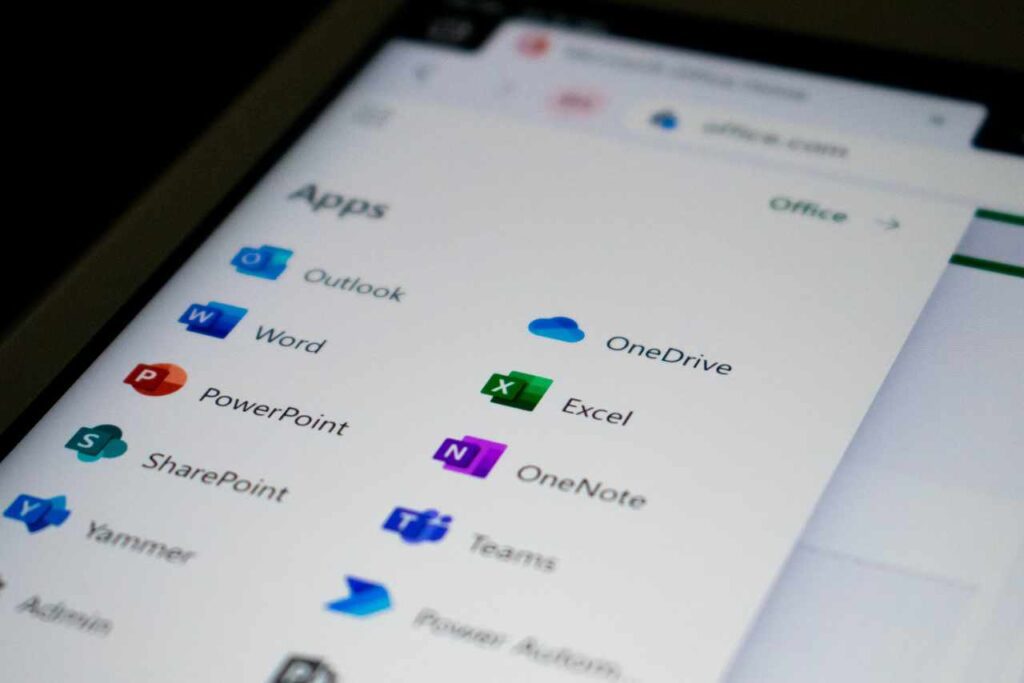
Microsoft 365 Copilot helps your teams write, plan, analyse and create faster. Directly in the tools they already use.

Copilot for Dynamics 365 uses AI to streamline tasks, boost productivity and unlock insights across your CRM and ERP apps.

Copilot for Security speeds up investigation and response by combining Microsoft’s threat intelligence with generative AI, helping your security teams do more.

Copilot in Microsoft Fabric and Power BI helps teams explore, analyse and share insights using natural language. There’s no data science degree required, we promise.
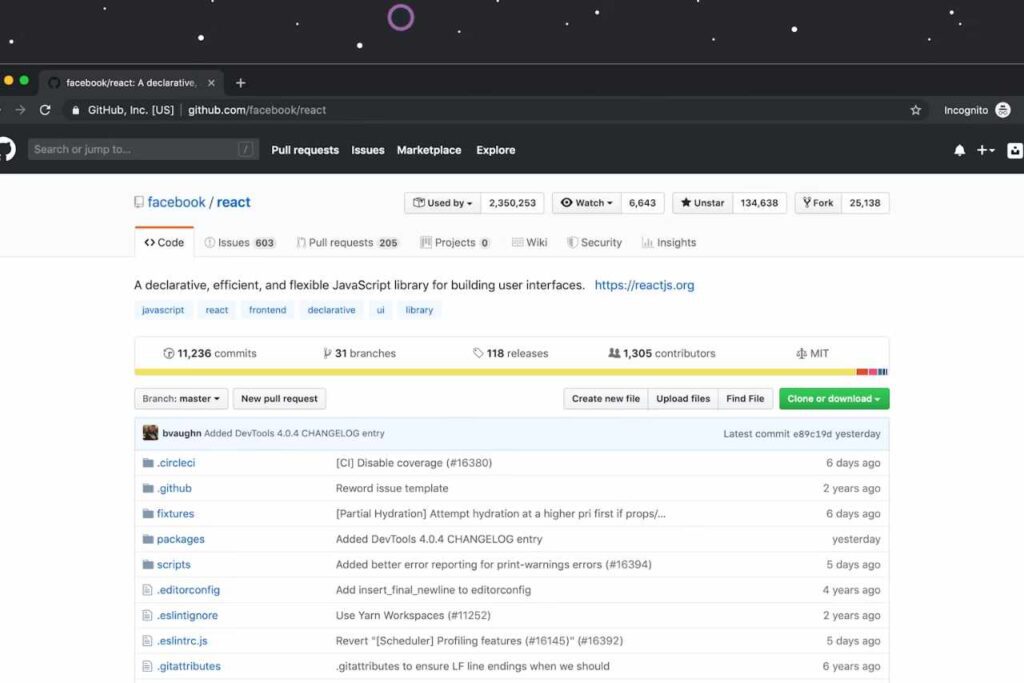
Speed up your development, reduce the grunt work and write better, more effective, code leveraging GitHub Copilot.
“Today marks the next major step in the evolution of how we interact with computing, which will fundamentally change the way we work and unlock a new wave of productivity growth. With our new copilot for work, we’re giving people more agency and making technology more accessible through the most universal interface — natural language.”
Satya Nadella – Chairman and CEO, Microsoft

As with any new pattern of work, there will be a learning curve — but those embracing this new way of working will quickly gain a competitive advantage.
It revolutionises productivity by seamlessly integrating AI with everyday apps, enabling creativity, boosting efficiency, and enhancing skills with powerful, secure and intuitive tools.

Copilot is much, much more than ChatGPT embedded into Microsoft 365.
It’s an incredibly sophisticated processing and orchestration engine working behind the scenes to combine the power of LLMs (including GPT-4) with the Microsoft 365 apps and your business data in the Microsoft Graph.
Although it’s trained on LLMs, the key to unlocking its full power is in connecting it to your business data through the Microsoft Graph.
It’s fully integrated into Microsoft 365 and automatically inherits all your organisations valuable security, compliance and privacy policies and processes.
Two-factor authentication, compliance boundaries, privacy protections and more make Copilot incredibly secure.
Data protection is a top concern for all modern organisations. That’s why Microsoft’s LLMs aren’t trained on your tenant data or your prompts.
When it comes to your tenant, Microsoft’s time-tested permissioning model ensures that data never leaks across user groups.
Copilot AI is fully integrated in the productivity apps millions of people use and rely on every day for work and life — Word, Excel, PowerPoint, Outlook, Teams and more. An intuitive and consistent user experience ensures it looks, feels and behaves the same way in Teams as it does in Outlook, with a shared design language for prompts, refinements and commands.
The foundational skills are a game changer for productivity: It can already create, summarise, analyse, collaborate and automate using your specific business content and context. But it also knows how to command apps (e.g., “animate this slide”) and work across apps, translating a Word document into a PowerPoint presentation.
As an example, with Viva Sales, Copilot can learn how to connect to CRM systems of record to pull customer data — like interaction and order histories — into communications.
As it learns about new domains and processes, it will be able to perform even more sophisticated tasks and queries.
Can Copilot be used to aid task automation across apps?
Yes. With connections via Power Automate or Microsoft Graph, Copilot can trigger actions (e.g. create tasks, send reminders, update records) from natural language prompts, reducing friction in workflows.
How does FormusPro support organisations in training and adoption of Copilot?
We deliver change management, user workshops, prompt libraries, sample use-cases, best practice guides, support for governance and feedback mechanisms, so that Copilot becomes embedded in culture rather than being under-used or misused.
Can Copilot help with generating or automating reports?
Yes. For example Copilot can pull together data from chats, emails, meetings, Excel or BI dashboards and auto-generate summaries, slide decks or status reports, which saves manual data gathering and improves consistency.
How does cost/licencing/usage work for Copilot, and what should organisations consider?
There are different levels/licences depending on which Copilot you use (Microsoft 365, Dynamics, Security etc.), how much usage (number of prompts, users, data connections), data capacity and whether custom training or prompt frameworks are built. Organisations should assess usage patterns and start with pilot licensing to avoid over-commitment.
How does Copilot work with “prompt engineering”?
Prompt engineering (crafting good prompts) is key: specifying context, defining expected style or output, using internal data or content, refining prompts based on feedback. FormusPro helps users learn how to write good prompts to get more useful output.
Can Copilot help NonProfit, Public Sector or heavily regulated organisations?
Absolutely. These sectors can use Copilot whilst ensuring strong compliance frameworks, maintain data privacy, restrict usage, audit all actions and use it to improve service delivery, reduce admin, improve reporting or grant writing etc.
How can Copilot be used in customer service or support roles?
In support, Copilot can draft responses, suggest resolutions based on past cases, summarise incoming tickets, provide agents with context from customer history and help route or escalate issues using its understanding of your data.
Can Copilot help with knowledge management and internal documentation?
Yes. Copilot can summarise documents, provide “ask questions of your documents” features, generate FAQs or guides from internal content, helping employees find the information they need more quickly.
What business outcomes should organisations expect with Copilot?
Faster content creation, better consistency of output, improved user satisfaction, reduced manual repetitive tasks, enhanced decision-making from insights, better team collaboration and over time efficiency gains and creativity boosts.
What are common pitfalls when adopting Copilot, and how can they be avoided?
Pitfalls include unclear prompt/design of how Copilot will be used, missing or poorly configured data permissions, inadequate training or assuming Copilot replaces rather than augments human work. Avoid these via pilot projects, governance, feedback loops, change management.
How quickly can value be seen after deploying Copilot in a business?
Some use cases (like drafting emails, summarising meetings, or generating initial drafts) can show noticeable gains within days to a week; more advanced uses (integrating it with business-systems, custom prompts, automation across apps) may take a few weeks to configure properly.
What AI-features are standard with Copilot, and how do they differ across the “for Microsoft 365”, “for Dynamics”, “for Security”, etc. modules?
Standard features include natural language prompt input, summarisation, content generation, task automation. The different modules overlay domain-specific capabilities: e.g. Dynamics Copilot focuses on business data / records, Security Copilot on threat insight, Fabric/BI Copilot on analytics insights, etc.
What are the security and privacy considerations with Copilot, and how are they managed?
Copilot inherits your organisation’s existing security, identity and compliance policies. Data isn’t used to train the LLMs outside your tenant, permissions are enforced and FormusPro helps configure tenant settings, roles, audit logs so privacy risks are minimised.
How does FormusPro help organisations implement Copilot effectively?
We assist with readiness: identifying relevant business scenarios, connecting the correct data sources, ensuring security & governance is correctly configured, training users, embedding Copilot into workflows so it enhances work rather than disrupts it.
How does Copilot integrate with Dynamics 365 and business systems?
Copilot for Dynamics can pull in records, customer interactions, financial data etc., suggest next best actions, help generate insights from CRM / ERP data, assist in case resolution, sales forecasting or process optimisations using your organisation’s own datasets.
How can Copilot help boost productivity across everyday Microsoft 365 apps?
Copilot can draft emails, summarise meeting notes, create slide decks, analyse data in Excel, help brainstorm or plan in Word, generate chat responses in Teams… all saving time, reducing repetitive work and making content-creation easier.
What does Microsoft Copilot do?
Copilot is Microsoft’s AI assistant that combines large language models with your organisation’s data (via Microsoft Graph, Dynamics, etc.) to help automate, generate and enhance your workflow… writing, summarising, analysing, and acting, directly in apps people use every day.
We first embarked on a digital transformation journey with Anthony Nolan back in 2012. With a range of implementations and solutions over the years, this transformation is constantly evolving.
Anthony Nolan wanted to move their Dynamics 2016 On-Premise solution into Dynamics 365 Online. This would mean less reliance on internal servers to maintain and run the platform. They would also benefit from the Microsoft Update process, continuously making new features available.
Scale Up Tech Company – 2024
Over 13 Years!
To find out about how we create systems around the Microsoft D365 platform or to ask us about the specific industry focused digital management systems we create, get in touch.
Tel: 01432 345191
A quick call might be all you need, but just in case it isn’t, we’re happy to go a step further by popping by to see you.
We travel all over the UK.
Just ask.