Plan your move from Microsoft Dynamics NAV to Business Central with clear guidance on why migration matters, the benefits you can expect, and the best way to approach it.
Contents
Why Organisations Are Moving Away From Microsoft Dynamics NAV
Microsoft Dynamics NAV Support Has Effectively Ended
What Business Central Does Differently
What Will Feel Different, Replacing NAV With Business Central?
How FormusPro Approaches A NAV To Business Central Migration
Two Ways To Move From NAV To Business Central

The Key Features Your New ERP System Really Should Have

Why Your Next Efficiency Gains Can’t Come from Your Production Line
If you’re still using Microsoft Dynamics NAV, there’s a good chance it’s starting to feel a lot harder work than it should.
What once supported your business well can now slow things down.
My guess is that reporting is starting to take longer than it should, integrations feel clunky, and getting a clear, up-to-date view of what’s happening across the organisation isn’t always straightforward. On top of that, with mainstream support now behind us, the gap between what NAV can do and what modern systems offer is only getting wider.
For many organisations, the question is no longer if they should move, but how to do it properly.
That’s why I’ve put together this guide… to help you take that next step.
I’ll walk through why organisations are moving from Dynamics NAV to Business Central, what actually changes, and how to approach migration in a way that avoids unnecessary risk, cost, or disruption.
From what I’ve seen, organisations aren’t moving away from NAV because something’s suddenly broke. It’s been much more gradual than that.
What I’ve noticed instead is a slow build-up of issues. Just small things at first.
A report that takes longer than it should. A workaround that then somehow becomes permanent. An integration that technically works, but no one fully trusts (or understands).
Over time, those things add up.
And what used to feel stable is starting to feel a bit limiting.
One of the biggest shifts, and one that’s often underestimated, is where NAV now sits in its lifecycle.
Mainstream support has ended, and whilst extended support continues for some versions, it doesn’t bring the same level of investment, innovation, or future-proofing. The product just isn’t evolving in the way modern platforms should.
And that’s a problem.
Security expectations change. Integration standards move on. New capabilities, especially around automation and AI, simply aren’t being developed for NAV. The longer you stay, the further behind things can feel.
Most NAV environments have been shaped over years, sometimes decades.
Customisations have been added. Integrations layered in. Processes adapted to fit the system rather than the other way around. None of that is unusual, but it does make things harder to manage over time.
I often speak to teams who are spending more effort maintaining the system than getting value from it. Reporting becomes a manual task. Data sits in different places. Simple changes take longer than they should.
It’s not that NAV can’t do the job. It’s just that it takes more effort to keep it doing the job well.
For me, this is the big one.
NAV was designed for a very different way of working.
On-prem environments were the norm. Integrations were fewer. Real-time data wasn’t expected in the same way. And most teams were working in a single location, on a single system.
But that’s not how most organisations operate today.
Cloud access, connected systems, real-time insight, and flexibility across teams are now expected as standard. Trying to stretch NAV to meet those expectations can work for a while, but it’s rarely a clean fit.
Business Central isn’t a like-for-like replacement for NAV and I wouldn’t want you to think it is. Think of it instead as a shift in how your systems support the business.
It’s not just in its features though.
It’s in how those features are delivered, how often they improve, and how easily they connect with everything else you rely on.
Where NAV often requires effort to maintain and adapt, Business Central is designed to move with you.
One of the biggest changes is how the platform is delivered.
Business Central runs in the cloud, which means updates happen regularly and without the disruption of large upgrade projects. You’re not waiting years for improvements or weighing up whether it’s worth the effort to move versions. New capabilities arrive in a steady, manageable way.
That alone removes a lot of the pressure that builds up in NAV environments over time.
Your access to data will also change quite noticeably.
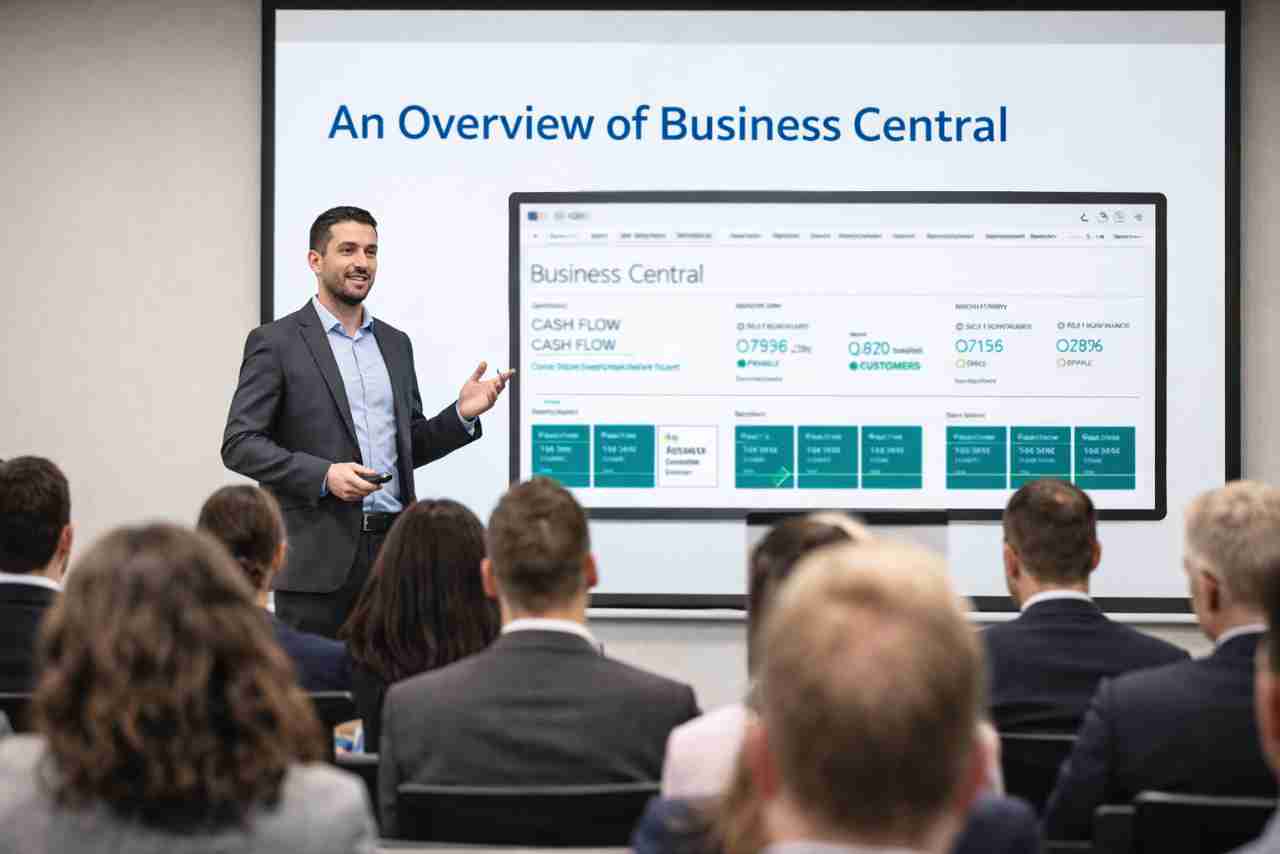
Instead of relying on static reports or manual extraction, Business Central gives you a more immediate view of what’s happening across finance and operations. When paired with tools like Power BI, that visibility becomes even clearer, with dashboards that reflect the current state of the business rather than last week’s version of it.
It’s not just faster reporting. It’s better-informed decision making.
Integration tends to be where NAV starts to show its age.
Business Central was built to sit within the wider Microsoft ecosystem. That means smoother connections with tools like Excel, Outlook, Teams, and the Power Platform. Data flows more naturally between systems, and processes that once relied on manual steps can be automated more easily.
For most teams, that translates into less duplication, fewer workarounds, and a more joined-up way of working.
As organisations grow, systems need to keep up.
Business Central is designed with that in mind. Whether it’s adding new users, expanding into new regions, or introducing new processes, the platform is flexible enough to support change without needing to be reworked each time.
That flexibility makes a difference. Instead of adapting your processes to fit the system, the system is far more able to adapt to you.
As I’ve hinted at, a shift from NAV to Business Central isn’t purely technical. It will definitely change how the system fits into your day-to-day work.
In NAV, it’s common for the system to sit slightly to one side of the business. It does its job, but often with extra steps around it. People export data, rework reports, or rely on separate tools to fill the gaps.
With Business Central, that gap tends to close.
You’re working with live data rather than waiting for updates or running reports to understand what’s going on. Finance, operations, and reporting feel more connected, so you’re not constantly piecing together information from different places.
Access changes too. Instead of being tied to a specific setup or location, teams can work from anywhere, with the same level of visibility. That becomes especially important as organisations grow or operate across multiple sites.
Then there’s the shift in how change happens.
NAV environments often build up towards large upgrade projects. They take time, planning, and usually a fair bit of disruption. Business Central moves you away from that model as updates are incremental and ongoing, which means the system improves steadily without needing those big reset moments.
Perhaps the biggest difference, though, to my mind, is how much effort it takes to keep things working well.
With NAV, a lot of value comes from how well the system is maintained. With Business Central, more of that value is built in from the start.
Once you’ve decided to move away from NAV, the next challenge becomes working out how to actually approach it. And this is where I see the biggest difference between a smooth transition and one that creates more problems than it solves.
It’s rarely about the technology itself. It’s about the decisions that do or don’t get made early on.
The organisations that get the most value from Business Central don’t treat it as a straight upgrade.
They take a step back first.
Before making any decisions, it’s worth getting a clear picture of what you’re working with today.
That means looking beyond the surface. What customisations are in place? Which integrations are critical? Where does data sit, and how reliable is it?
In most cases I’ve seen, NAV will have evolved over time. Different teams have shaped it in different ways. Some processes will be well understood. Others may rely on knowledge that sits with a small number of people.
Taking the time to map this properly helps avoid surprises later.
One of the most common mistakes is trying to recreate NAV exactly as it is.
That almost always brings across the same limitations and problems… just on a shinier, newer platform.
Instead, it’s worth asking a different question.
If you were starting again, what would you want the system to look like? Where could processes be simplified? What could be automated? What information do you wish you had today?
Switching to Business Central will give you the opportunity to improve how things work, not just where they run.
Once you understand your current setup and your future goals, you’re in a much better position to decide how to move.
And, trust me, there’s no single right answer here.
The best approach depends on how complex your NAV environment is, how much change you want to introduce, and how quickly you need to move.
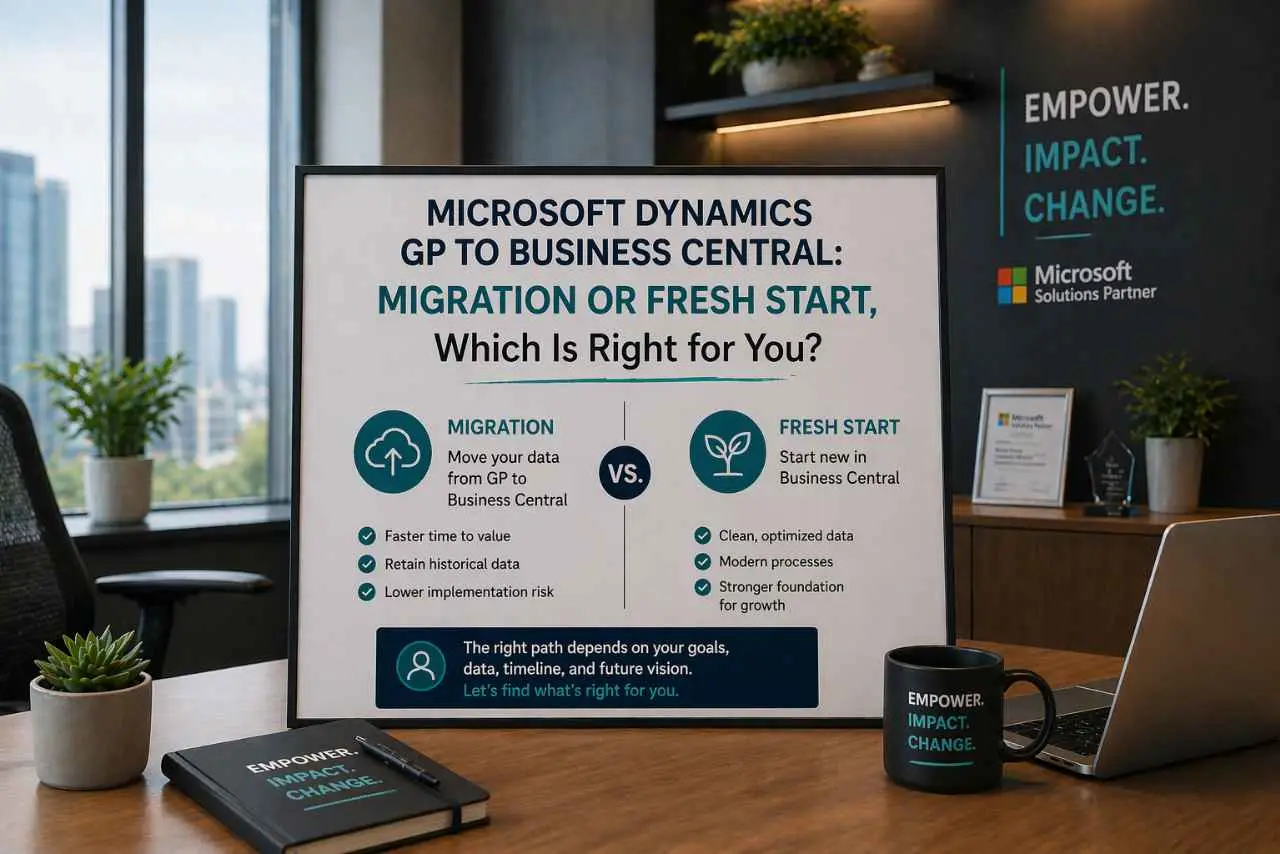
At this point, the conversation usually comes down to two options.
Once you get into the details, most NAV to Business Central journeys will fall into one of two approaches.
And like I said, neither is right in every situation. The key is understanding what you’re optimising for… speed, simplicity or long-term flexibility.
This approach focuses on moving your existing NAV system into Business Central with as much continuity as possible.
Your data, core structure, and many of your processes are carried across. That makes it a quicker route, particularly for organisations with a relatively standard NAV setup and fewer customisations.
I’ve found that for many, it feels like a safer step as well. It means you’re not changing everything at once, and teams can continue working in a way that’s familiar.
That said, it does come with trade-offs.
If your NAV environment already has complexity built into it, that complexity follows you into Business Central. You might find that some of the limitations you were hoping to move away from are still there, just in a different form.
For that reason, this approach tends to work best when the existing system is already in good shape.
The alternative is to treat the move as a reset.
Instead of carrying everything across, you rebuild your setup in Business Central based on how you want things to work going forward. Data is migrated where it adds value, but processes, structures and integrations are reconsidered.
Now that takes more upfront effort, but it does give you far more control over the end result.
It’s often the better option for organisations that have heavily customised NAV over time, or where processes have become more complicated than they need to be. Rather than recreating that complexity, you have the chance to simplify.
In many cases, this is where the biggest long-term gains come from.
The decision usually comes down to a few key factors.
How complex is your current NAV environment? How much of it do you actually want to keep? And how much change is the business ready for?
If your system is relatively clean and you need to move quickly, an upgrade can make sense.
If you’re looking to improve processes, reduce complexity, and set a stronger foundation for the future, a fresh implementation is often the better route.
What matters most is being deliberate about that choice.
The approach you take will shape how much value you get from Business Central over time.
Most NAV to Business Central projects don’t fail because of the platform. They struggle because of how the move is approached.
These are just a few patterns I see come up again and again.
It’s easy to frame this as a system change. In reality, it’s a business change. I know I’ve said that a couple of times now, but I really want to underscore this point.
If the focus stays purely on moving data and functionality, you miss the opportunity to improve how things actually work. Processes stay the same, inefficiencies carry over, and the end result feels underwhelming.
The organisations that get the most from Business Central take a broader view. They look at workflows, responsibilities, and how teams use the system day to day.
Data often gets less attention than it should early on.
Over time, most NAV systems build up inconsistencies. Duplicate records, outdated information and workarounds that have become embedded in the data itself.
If that’s moved across without question, those issues don’t disappear. They become harder to untangle later.
Taking the time to clean and validate data before migration makes a noticeable difference.
Customisations are usually added for good reasons. But not all of them need to come across.
One of the advantages of Business Central is how much functionality is available out of the box, along with the flexibility of the wider Microsoft platform. Rebuilding everything immediately can limit that.
It’s often better to start simpler, understand how the standard platform fits, and then introduce changes where they genuinely add value.
Even when the outcome is positive, change tends to be uncomfortable for your staff.
New interfaces, new processes, and new ways of working all take time to settle. Without the right level of support and communication, adoption can slow down.
And time and time again, that’s where I’ve seen projects lose momentum.
Giving teams the space to understand what’s changing, and why, helps make the transition smoother and far more effective.
Getting started with a move from NAV to Business Central doesn’t need to be complicated.
In fact, trying to define everything upfront is often what slows things down. At this stage, the most useful thing you can do is build a clear picture of where you are today and where you want to get to.
That usually starts with a simple conversation.
Looking at your current NAV environment, understanding how it’s being used, and identifying where the friction sits tends to surface most of what you need to know. From there, it becomes much easier to shape a sensible approach, whether that’s a straightforward upgrade or something more transformational.
You don’t need a fully formed plan before taking that step.
What matters is having enough clarity to make informed decisions, and working with people who’ve been through it before. That experience helps you avoid common pitfalls, challenge assumptions, and focus on what will actually make a difference once you’re live on Business Central.
If you’re at the point where NAV is starting to hold you back, it’s worth starting that conversation now rather than waiting for the pressure to build further.
Making the move from NAV isn’t just about replacing one system with another. It’s about setting your organisation up to work in a more connected, flexible, and informed way.
Done well, it removes a lot of the friction that builds up over time and gives you a platform that can support how your business evolves, rather than holding it in place.
The important thing is how you approach it.
Take the time to understand your starting point. Be clear about what you want to improve. And choose a path that supports that, rather than simply repeating what you already have.
If you get those things right, the move to Business Central becomes far more than a technical change. It becomes a genuine step forward.

Written By:
Microsoft Dynamics GP to Business Central: Migration or Fresh Start, Which Is Right for You?
A Quick Overview Of Dynamics 365 Business Central’s Main Features and Benefits
Ready For More?