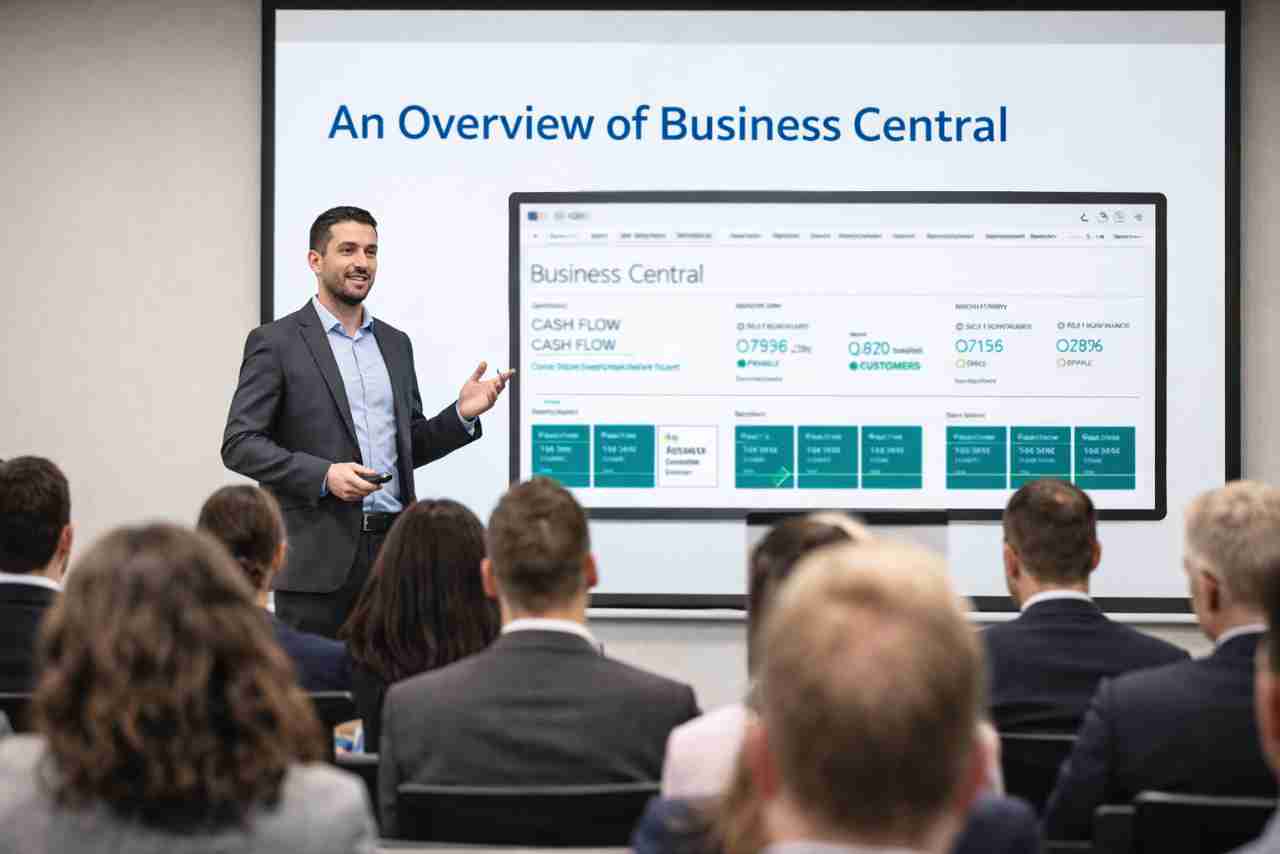
Microsoft Dynamics Business Central (BC) brings finance, operations, and reporting together in one connected platform, available in the cloud or on-premises.
FormusPro helps organisations modernise legacy ERP systems and streamline everyday processes with a flexible solution that grows as your business does.
Download The 2026 ERP Buyers Guide
The challenge is not finding an ERP solution. It is choosing one that can support your business for the next five to ten years without becoming overly complex, expensive, or difficult to use.
Some platforms focus on large global enterprises with complex requirements and significant IT budgets. Others target smaller businesses that need quick deployment and simple accounting tools. Between those extremes sits a growing group of mid-sized organisations looking for something more balanced: modern functionality, flexibility, strong integration capabilities, and room to grow.
Modern organisations need more than accounting software. Microsoft Dynamics 365 Business Central connects finance, operations, projects, manufacturing, stock and reporting into a single ERP platform that gives teams greater visibility and control. FormusPro helps organisations modernise their operations through consultancy, implementation, optimisation and support, ensuring Business Central becomes a platform for long-term growth rather than simply another business system.
Microsoft Dynamics 365 Business Central is a cloud-based ERP solution designed for small and medium-sized organisations. It brings your finance, operations, sales, purchasing, inventory, and project management into one connected system.
Instead of relying on spreadsheets and disconnected tools, Business Central gives you a single, reliable source of truth. Your teams can see what’s happening across the business in real time, helping them work faster and make better decisions.
Its flexibility allows businesses to scale over time, customise workflows, and connect with other Microsoft solutions such as Microsoft Power BI and Microsoft Power Automate, making it a strong platform for growth and operational efficiency.
From Problem To Outcome
Problem
What Happens
Solution
Outcome
Fragmented Approvals
Teams waste time on approvals.
Delays slow purchasing, invoicing, payments, and project delivery.
Compliance risks.
Approvals in one workflow system.
Approvals route automatically.
No jumping between systems.
Automated Approvals
Disconnected Data
Reporting becomes unreliable.
Data is inconsistent.
Decisions using outdated information.
Staff duplicate work.
A central source of business data.
Information updates in real time.
Easy to integrate with other tools.
Single Source Of Truth
Multiple Systems
Staff switching between systems.
Training is difficult.
Rising technology costs.
Information gaps.
One system for finance, supply chain, inventory, purchasing, sales, warehousing, service management, and reporting.
One System, One Cost
Manual Processes
Manual work slows teams down.
Increased risk of human error.
Processes are difficult to scale.
Automate routine processes.
Remove repetative tasks.
Trigger actions when pre-defined conditions are met.
Automated Routine Processes
Lack Of Integration
Delays create bottlenecks.
Systems can’t communicate.
Customer experiences suffer.
Built-in integrations across the Microsoft stack.
3rd Party integrations available.
OOTB banking integrations.
Seamless Data Flows
Microsoft Dynamics Business Central Features
Finance
Microsoft Dynamics 365 Business Central gives businesses one place to manage general ledger, accounts payable, accounts receivable, cash flow, budgeting, fixed assets, and financial reporting.
Finance teams gain real-time visibility into performance and cash flow. Month-end close becomes faster, reporting improves, and leaders can make decisions using accurate data instead of guesswork.
Automated Workflows & Approvals
Business Central automates approvals, notifications, recurring tasks, and business workflows across finance, purchasing, and operations.
Automation speeds up processes, reduces human error, and creates accountability. Staff spend less time on admin and more time on work that adds value.
Real-time reporting & Dashboards
The platform provides live reporting and integrates with Microsoft Power BI for interactive dashboards and analytics.
Leaders can see accurate business performance instantly. Faster reporting helps organisations react quickly to risks, opportunities, and market changes.
Inventory & Warehouse Management
Business Central tracks stock levels, warehouse movements, purchasing, transfers, and order fulfilment in real time.
Businesses reduce waste, improve fulfilment accuracy, and maintain better control over stock levels. This improves customer satisfaction and cash flow.
Sales & Customer Engagement
The system manages quotes, orders, invoices, customer interactions, and sales history in one place.
Teams respond faster to customers and gain a clearer view of sales performance. Better visibility helps improve customer service and strengthen relationships.
Purchasing & Supplier Management
Business Central manages supplier records, purchasing workflows, approvals, and procurement processes.
Companies gain better purchasing control, reduce unnecessary spending, and improve supplier relationships through consistent processes.
Project Management
The platform tracks project budgets, resources, timesheets, costs, and profitability.
Project managers gain visibility into costs and progress in real time. This helps control budgets, improve forecasting, and protect margins.
Integration & Automation
Business Central integrates with Microsoft Outlook, Microsoft Excel, Microsoft Teams, and the wider Microsoft 365 ecosystem. It also integrates with 3rd Party applications.
Users can work within familiar tools while accessing live ERP data. This improves productivity and reduces training time.
Business Central Implementation
Whether you are running a legacy ERP, juggling disconnected systems, or simply outgrowing your current software, moving to Microsoft Dynamics 365 Business Central can help you simplify operations, improve visibility, and prepare your business for growth.
We support organisations at every stage of their ERP journey. That could mean upgrading from older Microsoft platforms, replacing Sage, Xero , SAP or Oracle, or moving from spreadsheets and manual processes to a modern cloud ERP.
The result is a more connected business, faster decision-making, reduced manual work, and an ERP platform built to scale with you as your organisation grows.
Microsoft’s long-term ERP strategy is now firmly centred on cloud platforms and AI-enabled business applications. Following Microsoft’s announcement that Dynamics GP support and product updates will end in 2029, organisations are increasingly reviewing their future ERP roadmap to move to Business Central.
For organisations already using NAV successfully, Business Central often becomes the obvious next step because it allows them to modernise without abandoning years of operational knowledge. A NAV to Business Central upgrade is usually viewed as an evolution rather than a reinvention.
Using real stories from their own backgrounds, Charlie and Ben unpack a big question: why clients rarely think about labels like “ERP” or “CRM.”
From manual invoicing and spreadsheet-based businesses to fully integrated multi-site CRM/ERP journeys, this episode breaks down where technology labels matter and where they don’t.
Because at the end of the day, systems aren’t bought for their brand… they’re bought to solve real problems.
What business outcomes can we expect from Business Central?
More reliable financial operations, better forecasting, less manual work, improved decision making, stronger compliance, enhanced performance as growth demands increase.
Can Business Central help with cash flow visibility for subscription-based or recurring revenue businesses?
Yes. It supports recurring revenue models, forecasting and dashboards which let you project future cash, monitor receivables and plan ahead.
How secure is our data with Business Central?
Microsoft provides robust security, with role-based access, encryption, compliance with regulations, and supports local legal / tax / GDPR requirements in many regions.
What licensing considerations should organisations be aware of?
Licences vary by role (full users vs team members), feature set (core vs premium), capacity needs and whether add-ons or extensions are needed.
How does Business Central improve order-to-cash cycle?
By automating sales orders, invoicing, cash receipts, chasing late payments, integrating with inventory so shipping & billing are aligned, reducing delays.
Can we deploy Business Central on-premises or is it cloud only?
There are options: cloud deployment (SaaS) or hybrid / on-premise in some cases, depending on business needs, data sovereignty or compliance constraints.
How does Business Central work for NonProfits or grant-funded organisations?
It can map income and expenditure to funding sources, enable transparency in reporting, support budget vs actual tracking, and ensure compliance with funder/budgetary requirements.
Can Business Central track sustainability metrics or ESG data alongside financials?
Yes. New and upcoming features include tracking environmental impact elements (emissions etc.), helping organisations meet sustainability reporting obligations.
How does Business Central support service management or warranty tracking?
It supports contract management, warranty tracking, return handling etc. so service obligations can be tracked alongside finance and operations.
Can Business Central help forecast financial impact of supply chain disruptions?
Yes. You can run scenario analyses to see how changes in shipping costs, inventory delays or supplier issues might affect cash flow or margins.
What role does Continuous Improvement play with Business Central?
Continuous Improvement means reviewing what’s working, refining dashboards, automations, adding AI or reporting enhancements, ensuring the system evolves with your organisation’s needs.
How does Business Central assist in managing inventory and supply chain?
It gives you capabilities for inventory tracking, ordering, stock levels, logistics, combined with visibility and adjustability as supply demands change.
What are common pitfalls when implementing Business Central?
Common issues include poorly-defined data migration, weak requirements upfront, underestimating integration needs, neglecting user training/adoption, and not configuring workflows or security correctly.
How quickly can we expect to see value from implementing Business Central?
Some gains (improved financial operations, automation of routine workflows, better visibility of sales/inventory) often occur early, within weeks. More complex improvements (customised workflows, advanced AI-insights) take time.
What kinds of integrations are possible with Business Central?
It integrates with Microsoft 365 (Outlook, Excel, Teams etc.), Power Platform (Power BI, Power Apps, Power Automate), external systems via connectors or APIs, and can extend using industry-specific apps.
Can smaller organisations benefit from Business Central, or is it only for large enterprises?
Absolutely. It’s well suited for smaller organisations; you can start with core financial and operational features and scale up features, modules and integrations as your business grows.
What AI / Copilot features are included in Business Central?
It includes Copilot and autonomous agents to automate routine tasks, support forecasting, assist with order entry and suggest efficiencies.
Is Business Central accessible on mobile or remotely?
Yes, you can access it across devices (desktop, tablets, mobile) and location-agnostic working is supported. Teams, Outlook and Excel integrations help people access data where they already work.
How does Business Central help with audit trails and compliance?
It includes strong audit functionality, workflow controls, traceability, secure data handling, and features that support regulatory requirements.
What forecasting and insight tools does Business Central offer?
You get tools to model the impact of exchange rate changes, supply chain cost fluctuations, cash flow forecasting, trend reporting, plus AI-powered insights as you grow.
Can Business Central manage multiple currencies and countries?
Yes. It supports multi-currency, handling different sales, purchasing and logistics across borders. It also includes features localised for specific jurisdictions.
How does Business Central help with financial management?
It offers comprehensive tools such as general ledger, accounts payable and receivable, bank reconciliation, asset management, audit trails and workflows so finance teams can operate more accurately and efficiently.
What do we mean when we say Business Central?
Business Central is Microsoft’s all-in-one ERP system designed especially for small and medium-sized organisations. It unifies financials, operations, purchasing, sales and inventory, giving you better control, insight and automation.
Microsoft Dynamics Business Central Case Studies
“We had an ambitious deadline to get a working finance solution in place within four weeks. FormusPro not only delivered on time, but did so with a level of professionalism, responsiveness, and care. Their willingness to collaborate and invest in the relationship made all the difference — and we are looking forward to continuing to work with them on developing the solution further.”
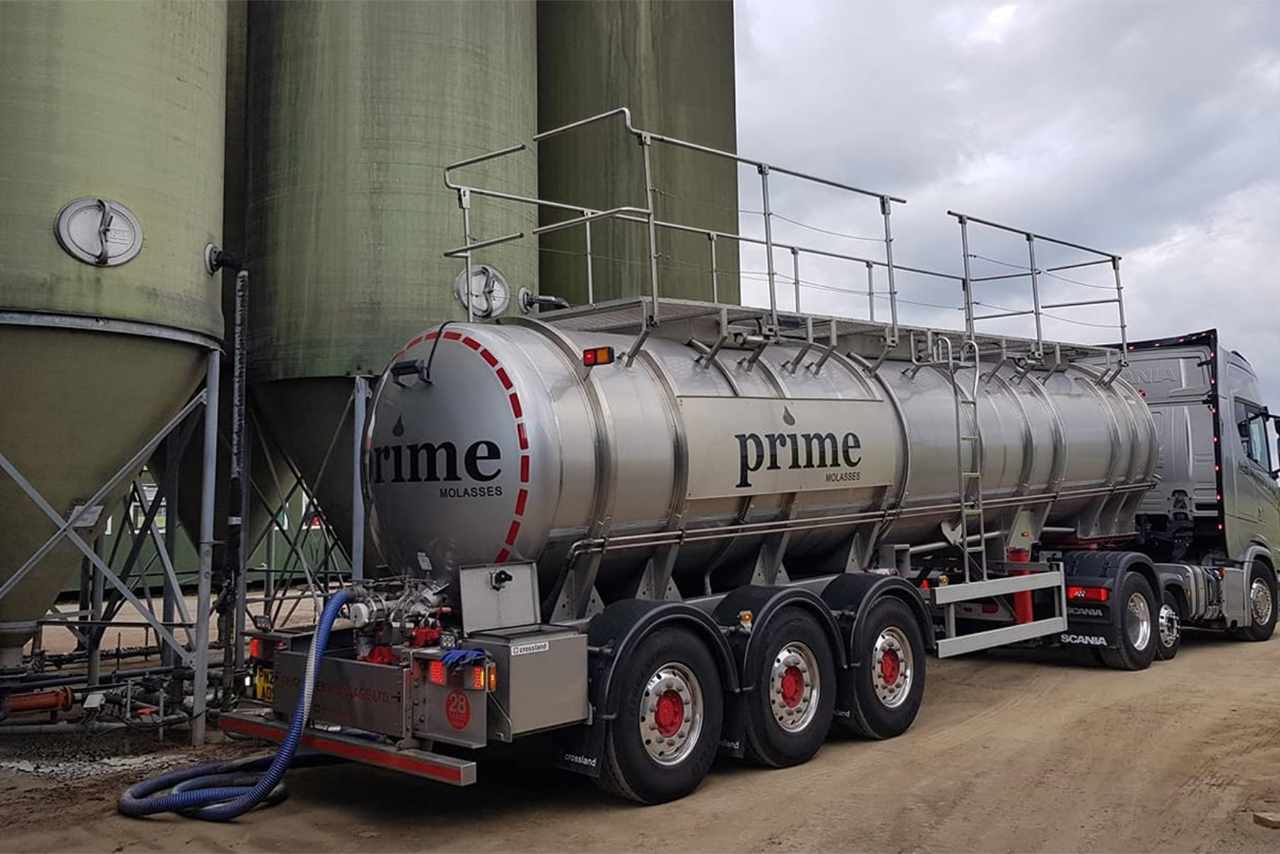
Prime required a finance system that enabled customisation and appropriate authorisation levels – something our current finance package didn’t offer. Formus were great with in house practice sessions and have been always available from start to current with bugs and extra training required.
Formus Pro quickly understood our project scope and inhouse capabilities and worked very closely with us to produce a project and timeline to suit our needs.
The Project was well managed, all the way from Kick-off to Go live and resulted in a seamless, on time transition from our old ERP to MS business Central.
FormusPro were engaged from day one. With regular progress meetings and site attendance. Business Central and Continia Expenses was delivered to our specifications and go-live was on time. We have found their software support to be valuable and we continue to work with them on subsequent projects.
The International Institute for Active Ageing have worked with FormusPro for nearly two years now, and after completely replacing their finance system with Dynamics 365 Business Central, they asked us to extend the project to also include all of their warehousing and other ERP activities.