Where we evaluate your system configuration, usability, user issues, quality and efficiency of data and produce a report of our findings.

Transform your Project Management with a user friendly, intuitive and cost-effective accelerator app. Powerful Project Management. Seamless Integration.
FlexPMO is an accelerator app for the Microsoft Power Platform, which focuses on high-level project and resource management. Elevate your project planning game with intuitive workflows and boosted productivity, which all seamlessly integrates into The Power Platform.
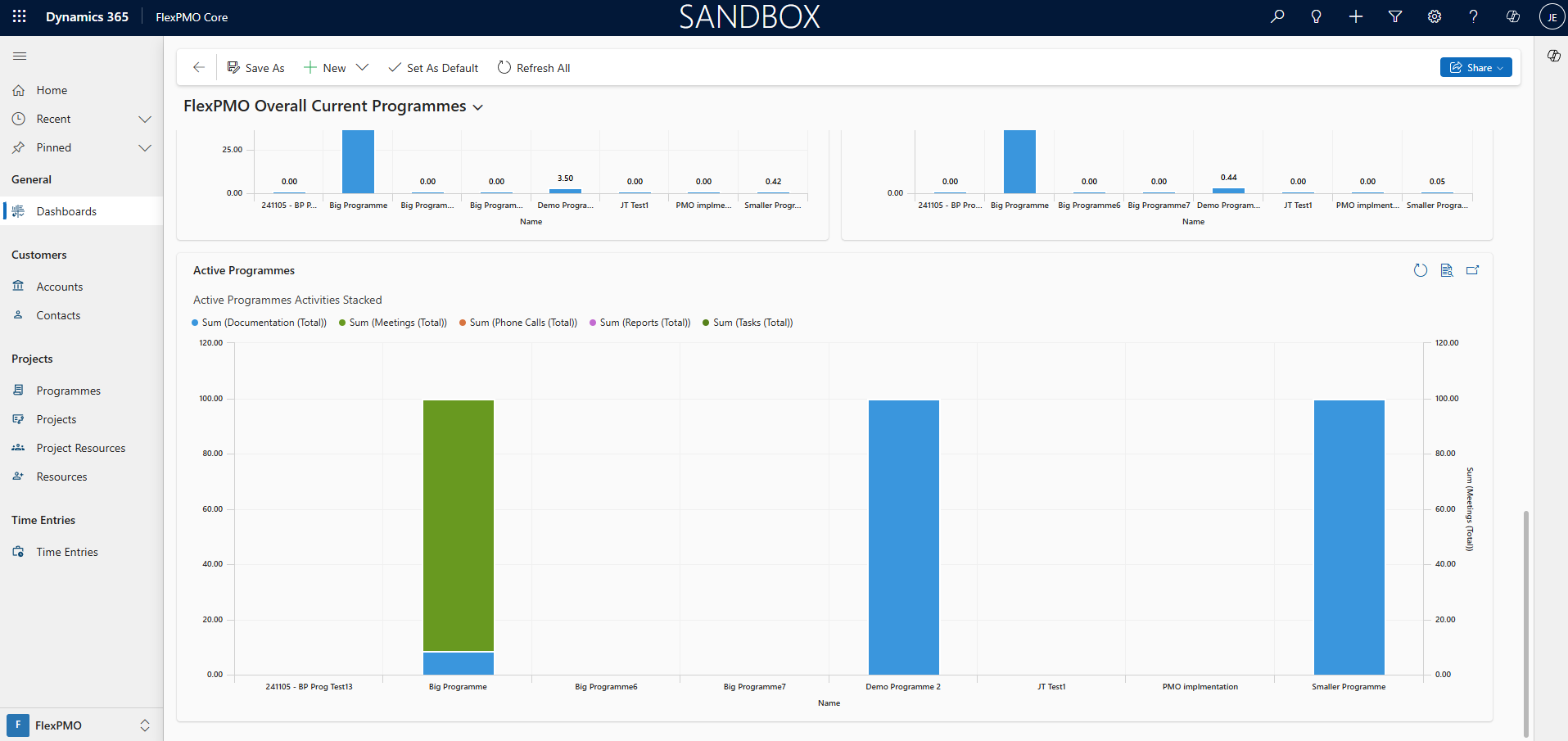
FlexPMO was developed as a modern project management tool with a user-friendly interface to streamline your project workflows.
The intuitive side-panel, which you may already be familiar with, makes it easy to manage tasks, allocate resources, and track progress with just a few clicks.
You’ll be impressed by how easily you can boost productivity and achieve project success.
With FlexPMO, you can efficiently manage your contacts and accounts, ensuring all your project stakeholders are organized and easily accessible.
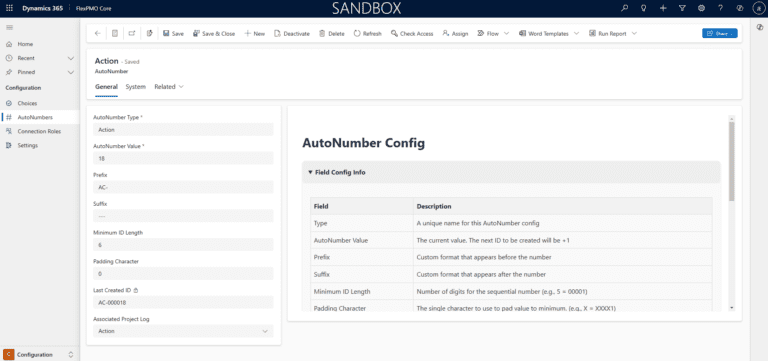
FlexPMO simplifies programme and project management, allowing you to oversee multiple projects and resources seamlessly. Track and log time entries against specific projects and programmes for accurate billing and performance monitoring.
The intuitive dashboards and charts provide a clear overview of your project status, while the health point indicator and RAID log help you monitor risks, assumptions, issues, and dependencies effectively.
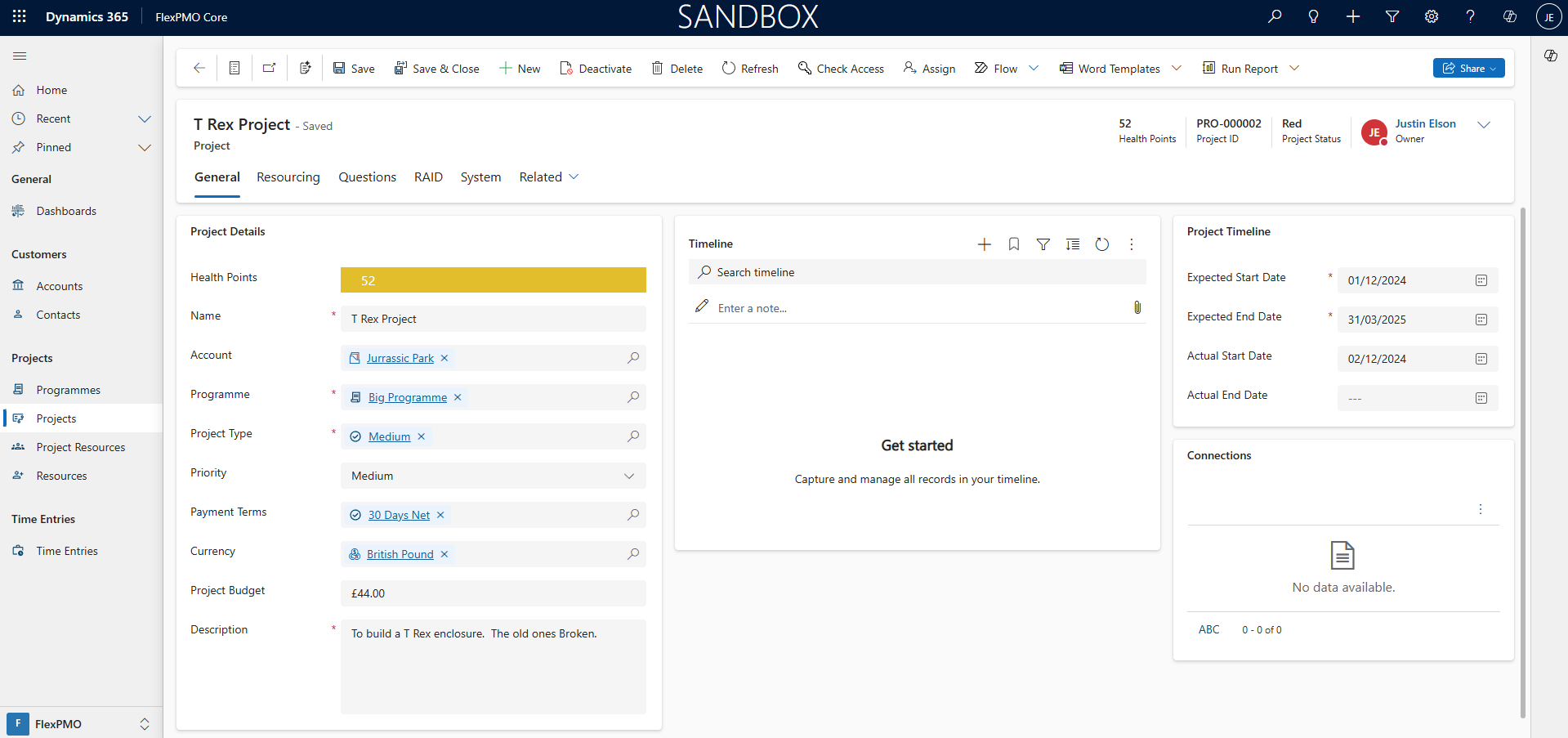
FlexPMO offers custom auto-numbering of records and the ability to configure your own account types, project types, payment terms, sectors, and assumption categories, tailoring the system to your specific needs.
You can define custom connection roles between records, ensuring all relationships and dependencies are clearly mapped out.
FlexPMO transforms your project management experience, making it more efficient and effective.
From under £5 per user, per month*
*A Microsoft Power Apps or Dynamics 365 license is required for each user – if you already have these then you’re already covered! If not get in touch for the latest pricing; the low-cost Power Apps Per App licenses are just a few pounds per user per month.
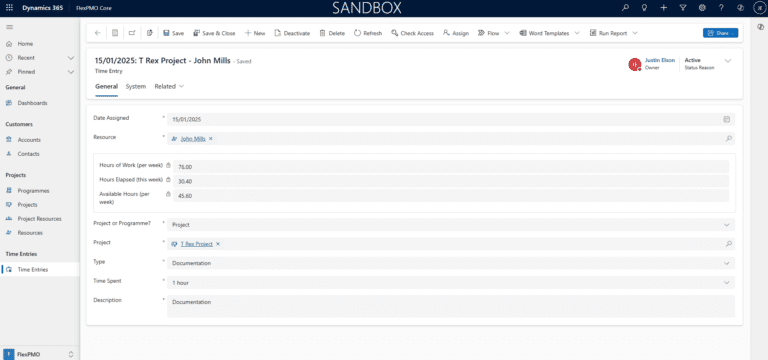
FlexPMO houses a range of benefits to optimise your organization’s project management processes. Such as the following:
With FlexPMO’s contact and account management tools, you can manage clients, suppliers, internal teams, and key stakeholders in a way that’s structured but never rigid. No more digging through emails or switching between spreadsheets.
FlexPMO makes it easy to plan, manage, and track both individual projects and complex programmes without adding unnecessary admin. Whether you’re delivering a small change or a multi-stream transformation, FlexPMO gives you the tools to stay in control from start to finish.
FlexPMO’s time tracking is built for busy teams—not time-consuming admin. It helps you understand where effort’s going across your programmes and projects, so you can make smarter decisions on budgets, resources, and deadlines.
No two users need the same view, so FlexPMO lets you create dashboards that actually work for you. Whether you’re a portfolio manager needing a high-level overview, or a project lead chasing daily actions, you can set up dashboards that surface the insights you care about—without wading through noise.
Every organization has its own mix of clients, donors, suppliers, partners, internal teams, and other stakeholders. With FlexPMO, you’re not stuck with a rigid setup. You can create custom account types that reflect how your organization works—so your project data stays relevant and structured from the start.
Where we evaluate your system configuration, usability, user issues, quality and efficiency of data and produce a report of our findings.
The area of a system that users interact with. It sits in front of the back end as a transitional layer, providing the graphical and structural interface for the user.
Microsoft’s cloud computing platform. Can be used in place of traditional ‘on-premise’ platforms for hosting of servers, functions, databases, processes, and much more.
For 12 years we have has an ongoing relationship with Anthony Nolan since we first embarked on a digital transformation journey together. With a range of implementations and solutions over the years, this transformation is constantly evolving.
Anthony Nolan wanted to move their Dynamics 2016 On-Premise solution into Dynamics 365 Online. This would mean less reliance on internal servers to maintain and run the platform. They would also benefit from the Microsoft Update process, continuously making new features available.
Scale Up Tech Company – 2024
Over 12 Years!
To find out about how we create systems around the Microsoft D365 platform or to ask us about the specific industry focused digital management systems we create, get in touch.
Tel: +1 (727) 231 6096
A quick call might be all you need, but just in case it isn’t, we’re happy to go a step further by popping by to see you.
Just ask.